One memory for every AI agent on your team.
Decisions from everyone’s sessions flow into one team memory that keeps itself current. Every agent reads it before it starts and checks in so nobody’s agents collide, even if you use several different AI tools.
How clashes are caught, before they happen.
When someone’s agent starts a task, it reads the team’s shared memory and everyone’s check-ins. That way, every agent on your team knows what the others are working on, which saves everyone time and tokens.
-
It checks in
Before it starts, an agent tells KoalaFix what it’s working on and which files. That note is its check-in, and every other agent on the team can see it.
-
It sees everyone else’s
Even if people are using different AI tools, they all sync to the same memory. That way, no one ever begins working on something someone has already started.
-
It reads the latest decisions
The team memory picks up decisions from everyone’s AI sessions and keeps itself current. Decide once, and every agent knows.
Every decision your team makes, kept current for every agent.
Nothing to write down. Decisions are picked up from everyone’s sessions as they happen, and when the team changes its mind, the memory updates itself and the old decision is retired.
Decide once, in any tool. Every agent knows.
A decision made in a Codex session reaches the agent in Claude Code and the one in Cursor, from then on. Each person can use a different tool. They all share one place to check in and one memory.
- Works with the tools your team already uses. Claude Code, Codex and Cursor. Claude’s Cowork and chat sessions. Any ChatGPT chat. And anything else that speaks MCP.
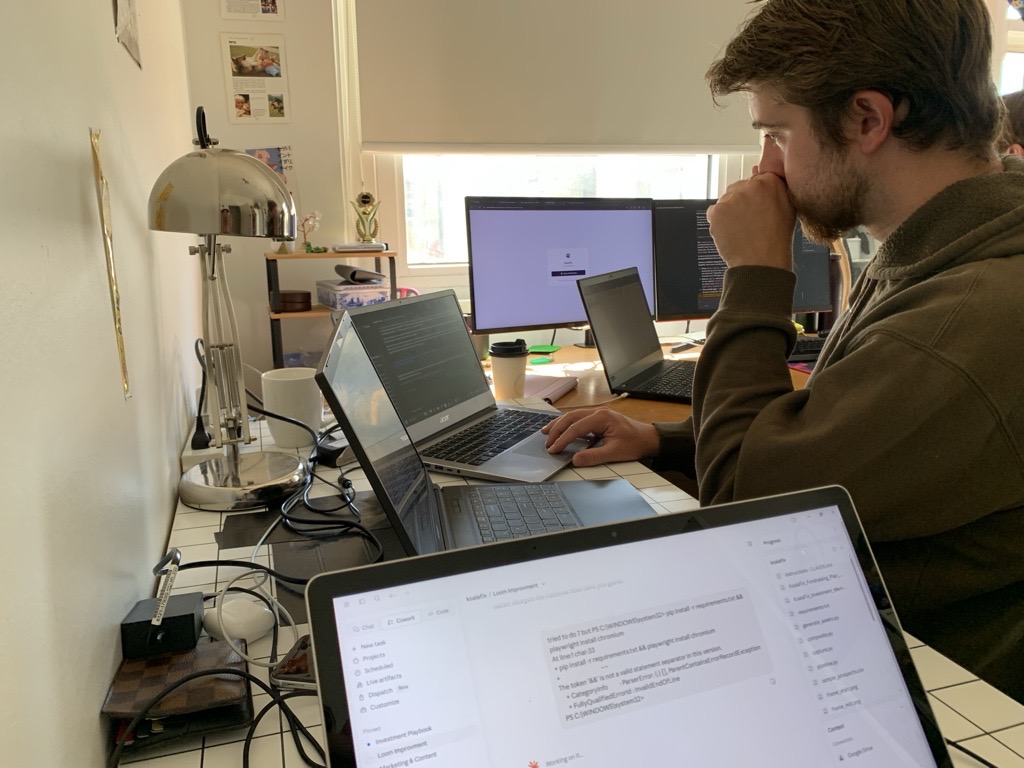
Built by three people whose own agents kept colliding.
We originally built KoalaFix as an internal tool for ourselves at our previous start-up. For months our agents walked over each other’s work and forgot what we had decided the week before. So we built the thing we wished we had. KoalaFix has been our own team’s memory since July, and we all use it every day.
- 3,874memories in our own team’s memory since 14 July 2026
- 100%of them recorded and validated by agents, not people
Decide once. Every agent remembers.
Every agent checks in before its first edit and works from one memory that keeps itself up to date, in every tool your team uses.
Get early access